Managed WordPress Hosting in 2026: Is It Worth the Cost?
You’re spending hours every month keeping your WordPress site alive — updates, security patches, backups — when you could be building your business instead.
If you’ve ever stayed up past midnight troubleshooting a failed WordPress update or trying to trace a malware infection back to a vulnerable plugin, you already know the hidden tax of self-managed hosting. According to a 2025 Kinsta industry report, WordPress powers roughly 43% of all websites on the internet — and yet most site owners spend between 5 and 10 hours per month on maintenance tasks that a managed hosting provider could handle automatically.
Managed WordPress hosting promises to hand all of that off: automatic updates, daily backups, built-in security scanning, and infrastructure tuned specifically for WordPress performance. But it costs significantly more than shared or VPS hosting. So the real question is — does it actually deliver enough value to justify the price tag?
In this guide, we break down exactly what managed WordPress hosting is, how it works, who genuinely needs it, what the top providers offer in 2026, and when you’d be better off going a different route. By the end, you’ll know whether making the switch makes financial sense for your situation.
What Is Managed WordPress Hosting?
Managed WordPress hosting is a specialized hosting service where the provider takes over the technical management of your WordPress environment. Instead of sharing a generic server with hundreds of other sites (as with standard shared hosting), your site runs on infrastructure optimized specifically for WordPress — and a team of experts handles the operational side for you.
The concept emerged in the early 2010s as WordPress grew complex enough that non-developers needed professional support to maintain production-grade websites. By 2026, it has matured into a competitive, multi-billion-dollar segment of the web hosting market. Gartner estimates the managed hosting market — including WordPress-specific tiers — exceeded $14 billion in global revenue in 2025, with double-digit annual growth driven by small business adoption.
Who uses managed WordPress hosting? Primarily:
- Small to mid-sized businesses that can’t afford a full-time DevOps engineer
- Freelancers and agencies managing multiple client sites
- Content publishers and bloggers with significant traffic but limited technical depth
- E-commerce operators running WooCommerce stores where downtime is directly tied to lost revenue
The key distinction from regular WordPress hosting: with managed hosting, the provider is responsible for the server environment, not just for giving you a place to install WordPress.
Key Features and How It Works
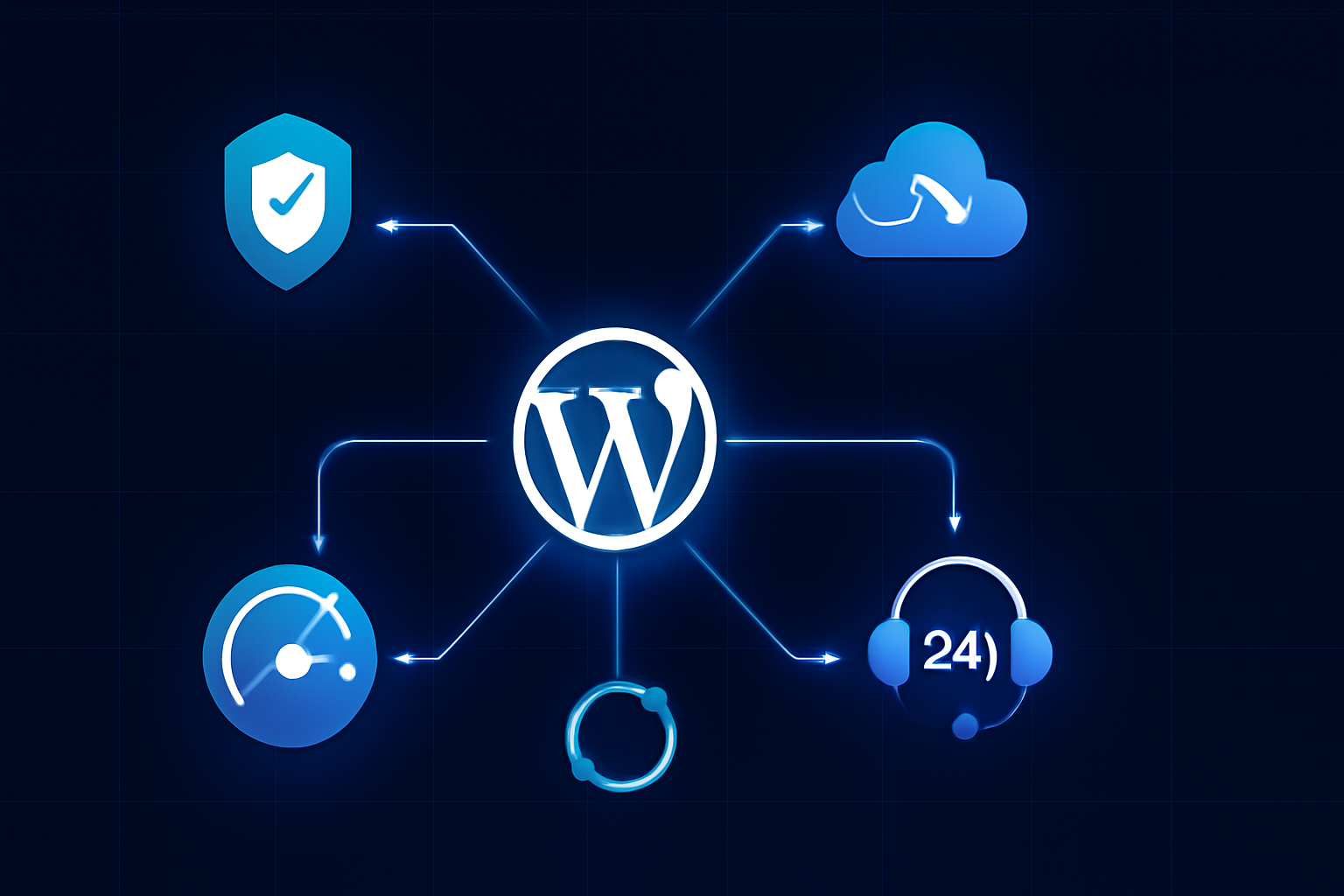
Managed WordPress hosting bundles several capabilities that you’d otherwise need to configure, purchase, or maintain separately. Here’s what’s typically included — and why each matters:
- Automatic core and plugin updates: The provider monitors and applies WordPress core updates, often testing them in a staging environment before pushing to your live site. This eliminates one of the most common vectors for site compromise.
- Daily (or real-time) backups: Most top-tier providers run automated backups at least once per day, with one-click restore options. Some, like WP Engine, offer point-in-time restores going back 60 days.
- Built-in security scanning and firewalls: Managed hosts deploy server-level firewalls, malware scanning, and DDoS (Distributed Denial of Service) mitigation — protection that blocks malicious traffic before it ever reaches your WordPress install.
- Staging environments: A one-click staging site lets you test changes, plugin updates, or redesigns without touching your live site.
- Performance optimization: Managed hosts use server-side caching (often NGINX or proprietary caching layers), CDN (Content Delivery Network) integration, and PHP version management tuned for WordPress. In independent benchmarks conducted by Kinsta’s engineering team in 2025, managed hosting environments served WordPress pages up to 3x faster than comparable shared hosting configurations under load.
- WordPress-specific support: Support teams understand WordPress deeply — not just general server issues. You can ask about plugin conflicts, theme errors, or database optimization and get a relevant answer.
- Resource isolation: Unlike shared hosting, your site isn’t competing for CPU and RAM with thousands of neighbors. Containers or dedicated cloud instances keep your performance consistent.
Under the hood, leading managed WordPress providers in 2026 run on top of Google Cloud Platform, AWS, or their own data center networks. Kinsta uses GCP exclusively; WP Engine offers multi-cloud options; Pressable (owned by Automattic) runs its own infrastructure. This matters because the underlying cloud architecture directly affects your uptime SLA and global latency.
Pros and Cons of Managed WordPress Hosting
No hosting solution is perfect for everyone. Here’s an honest breakdown based on real-world usage patterns:
Pros
- Dramatically reduced maintenance burden: If you’re spending 6+ hours per month on site maintenance, managed hosting can give that time back. At $75/hour for a developer, even a $50/month managed plan pays for itself.
- Superior performance out of the box: Caching, CDN, and optimized PHP configurations mean faster page loads without manual tuning. Google’s Core Web Vitals — a ranking factor since 2021 — improve measurably on well-configured managed hosting.
- Expert security posture: Managed hosts block thousands of attack attempts daily at the server level. When a critical WordPress vulnerability drops (like the major REST API exploit of 2020), managed providers patch it before most users even know about it.
- Staging environments included: On shared hosting, you’d need to set up staging manually or pay for a plugin like WP Stagecoach. On managed hosting, it’s one click.
- Scalability without reconfiguration: Most managed hosts let you scale resources (traffic limits, storage) with a plan upgrade rather than a full server migration.
Cons
- Significantly higher cost: Entry-level managed WordPress hosting starts around $30–$35/month. Compare that to shared hosting at $3–$10/month. For a personal blog with low traffic, the cost difference is hard to justify.
- Plugin restrictions: Most managed hosts ban certain plugins for security or performance reasons — commonly caching plugins (since they provide their own), some backup plugins, and performance tools that conflict with their stack. This can be frustrating if you rely on specific tools.
- Less root server access: If you need to install custom server software, modify PHP configurations deeply, or run non-WordPress applications, managed hosting may not give you that level of control. A VPS or dedicated server would be more appropriate.
- Traffic-based billing surprises: Some providers meter visits and charge overages. A viral post or bot traffic spike can generate unexpected charges if you’re not monitoring your plan limits.
Best Use Cases: Who Should Use Managed WordPress Hosting?
Managed WordPress hosting is not a one-size-fits-all solution. Here’s how to figure out if it’s right for your situation:
You’re a good fit if:
- Your site generates revenue (e-commerce, lead generation, subscriptions) and downtime has a direct dollar cost
- You have moderate to high traffic — typically 10,000+ monthly visitors — where performance optimization yields measurable business results
- You’re an agency managing 5+ client sites and need reliable staging, multisite support, and centralized billing
- You’ve experienced at least one serious security incident (malware, defacement, data breach) and want infrastructure-level protection
- You want to focus on content and business growth, not server administration
You should probably skip it if:
- You’re running a personal blog with fewer than 5,000 monthly visitors and no revenue attached
- You need deep server customization or non-WordPress applications on the same server
- You’re technically proficient and already handle your own security hardening, caching, and backups efficiently
For small business owners already using tools like CRM platforms and productivity software — areas we’ve covered in our guide to Best CRM Software for Small Businesses in 2026 — managed WordPress hosting fits naturally into a “pay for expertise” operating model that saves time and reduces technical risk.
Pricing and Plans: What to Expect in 2026
Pricing across the major managed WordPress hosts in 2026 breaks into three tiers:
Entry-level ($25–$50/month): Suitable for a single site with modest traffic (up to 25,000–50,000 monthly visits). Providers like Pressable and Flywheel offer competitive entry plans with solid feature sets. You get automatic backups, staging, SSL, and CDN.
Mid-tier ($50–$150/month): WP Engine’s Startup and Professional plans, Kinsta’s Business plans, and SiteGround’s GoGeek fall here. These plans support higher traffic limits, multiple WordPress installs, and more advanced developer tools like SSH access and WP-CLI (WordPress Command Line Interface).
Agency and Enterprise ($150–$500+/month): Designed for agencies with many client sites or high-traffic publishers. WP Engine’s Agency plans and Kinsta’s Enterprise tiers include dedicated account managers, priority support SLAs, and custom infrastructure configurations.
One value consideration that’s often overlooked: managed hosting typically bundles SSL certificates, CDN access, and sometimes premium security plugins that you’d pay for separately on cheaper plans. When you stack those costs up, the price gap between managed and unmanaged hosting shrinks considerably.
That said, if you’re evaluating whether to redirect budget from other tech subscriptions to hosting — and if your site handles sensitive user data — it’s worth thinking about the full security picture. Our breakdown of Best Password Managers in 2026 covers another essential layer of digital security that complements a solid hosting foundation.
Top Managed WordPress Hosting Providers in 2026
Here’s how the leading options compare based on features, performance, and value:
WP Engine — The most established name in managed WordPress hosting, with over 180,000 customers as of 2025 (per their investor disclosures). Strong developer tooling, reliable uptime, and excellent support. The main downside: pricing is at the higher end, and the banned plugin list is more restrictive than competitors.
Kinsta — Built exclusively on Google Cloud Platform with a sleek dashboard. Kinsta’s performance benchmarks consistently rank among the top tier, and their support response times average under two minutes for live chat. Best for developers and agencies who want cloud-native infrastructure with WordPress-specific management.
Pressable — Owned by Automattic (WordPress.com’s parent company), which gives it unusually deep integration with the WordPress ecosystem. Priced more aggressively than WP Engine and Kinsta. A strong option for small businesses and creators who want solid managed hosting without enterprise pricing.
Flywheel — Acquired by WP Engine in 2019, Flywheel operates as a distinct brand targeting designers and agencies. Its Blueprints feature (pre-configured WordPress setups for new client sites) and client billing tools make it particularly valuable for freelancers managing multiple client accounts.
SiteGround GoGeek — Not a pure managed WordPress host, but SiteGround’s GoGeek plan includes enough WordPress-specific tooling (dynamic caching, automatic updates, staging) to compete in this space at a lower price point. Best for budget-conscious users who need managed-like features without the premium price.
Frequently Asked Questions
Is managed WordPress hosting worth it for a small blog?
Generally, no — not if your blog generates little or no revenue and attracts fewer than 10,000 monthly visitors. Standard shared hosting or a quality budget VPS (Virtual Private Server) makes more financial sense. Managed hosting delivers its best ROI when downtime or poor performance has a real business cost.
Can I use any WordPress plugin on managed hosting?
Not always. Most managed hosts maintain a list of prohibited plugins — typically caching tools (since the host provides its own), certain backup solutions, and plugins known to create security vulnerabilities or performance problems. Before migrating, check your host’s plugin compatibility list and confirm your must-have tools are allowed.
How does managed WordPress hosting affect SEO?
Positively, in most cases. Faster page load times (a direct ranking factor), better uptime, and HTTPS (SSL included by default) all support stronger SEO performance. Google’s Core Web Vitals reward sites with fast server response times, which managed hosting optimizes for specifically.
What happens if my site gets hacked on managed hosting?
Most managed WordPress hosts offer free malware removal as part of their service. WP Engine, Kinsta, and Pressable all guarantee to clean your site if it’s compromised — a significant safety net that shared hosting rarely provides. The proactive security measures also make a successful hack far less likely in the first place.
Can I migrate my existing WordPress site to a managed host?
Yes, and most providers offer free migration assistance. WP Engine, Kinsta, and Flywheel all have dedicated migration tools or concierge migration services that move your site with minimal downtime. The process typically takes 30 minutes to a few hours depending on site size.
Conclusion
Managed WordPress hosting is not for everyone — but for the right user, it eliminates some of the most time-consuming and technically demanding parts of running a WordPress site. If your website drives business revenue, attracts significant traffic, or simply costs you more in maintenance time than the hosting fee itself, managed hosting is a smart investment in 2026.
The calculus is straightforward: compare what you currently spend in time and tools to maintain your site against a managed hosting plan. For most small businesses, agencies, and serious content creators, that math favors managed hosting by a meaningful margin.
Start by requesting a trial from Kinsta or Pressable — both offer money-back guarantees — and benchmark your site’s performance before and after. The results tend to make the decision obvious. If you’re also exploring how modern cloud infrastructure shapes site architecture, our explainer on Serverless Computing adds useful context for thinking about scalable web infrastructure in 2026.